A Doro that refuses to make a call or cuts off mid-conversation is often the first source of concern for the user and their loved ones. The calling issue on a Doro phone takes various forms: black screen upon receiving a call, absent ringtone, outgoing calls that do not go through, or network that disappears for no apparent reason.
Black screen on incoming Doro call: a lead that official guides overlook
We regularly receive feedback from users whose Doro rings but whose screen remains off. The usual reflex is to restart the device. This sometimes works, but the problem returns.
The most common cause is not software-related. The proximity sensor, located at the top of the screen, is often obstructed by a poorly fitting case or a screen protector placed too high. On Doro 824 models and similar ones, this sensor turns off the display as soon as it detects a nearby obstacle, as if the phone were pressed against the ear.
Before making any adjustments in the settings, remove the case and screen protector, then test an incoming call. If the screen lights up normally, the problem lies with the accessory, not the phone.
For those who want to resolve calling issues on Doro more thoroughly, checking the proximity sensor in the system settings can sometimes recalibrate the detection. This option is usually found under Settings, then Accessibility, depending on the model version.
SIM card and mobile network: on-site checks that unlock the situation
When calls no longer go through at all, neither outgoing nor incoming, we start with the simplest step: remove the SIM card, clean it with a dry cloth, and put it back in. A poor connection is enough to cut off all network access.
If the problem persists, check these points in order:
- Airplane mode is not accidentally activated (on flip Doro phones, a mishandling when closing the phone can trigger it).
- The network selection is set to automatic in the mobile network settings, not locked to a specific operator.
- The SIM card works in another phone. If calls go through on another device, the problem lies with the Doro itself.
Since the massive rollout of 5G in Europe, some older Doro models are experiencing connection difficulties. The ANFR report published in March 2026 on the quality of mobile services confirms this upward trend in complaints about incoming calls among senior users. Forcing the network to 4G in the network settings stabilizes the connection on the majority of affected Doro models.
Battery and overheating: when the Doro phone cuts off calls by itself
A call that disconnects after a few minutes for no apparent reason often points to a battery or overheating issue. Doro phones, like all mobiles, automatically reduce certain functions when the internal temperature rises too high.
This phenomenon is especially observed in summer or when the phone remains plugged into a non-official charger for a long time. Using only the charger provided with the device limits the risk of overheating and preserves the battery life.
If the battery is removable (as is the case with several flip Doro models), removing it for a minute and then reinserting it constitutes a true hardware restart, more effective than simply pressing the Power button.
Check the battery status on a Doro smartphone
On Doro smartphones, you can access the battery status via Settings, then Battery. A battery that drops below 80% of its original capacity causes random disconnections. In this case, replacing the battery (at an authorized repair center if it is not removable) is the only sustainable solution.
Doro and voice AI: the limits of senior phones against built-in assistants
Recent updates to some Doro smartphones incorporate voice assistance functions. For a visually impaired user, this is a real gain in autonomy in theory. In practice, feedback varies on this point.
The voice AI embedded in senior phones remains limited by the processor’s power and the quality of the microphone. Voice commands to make a call fail more often on Doro than on standard smartphones, because voice processing requires resources that these devices do not always provide.
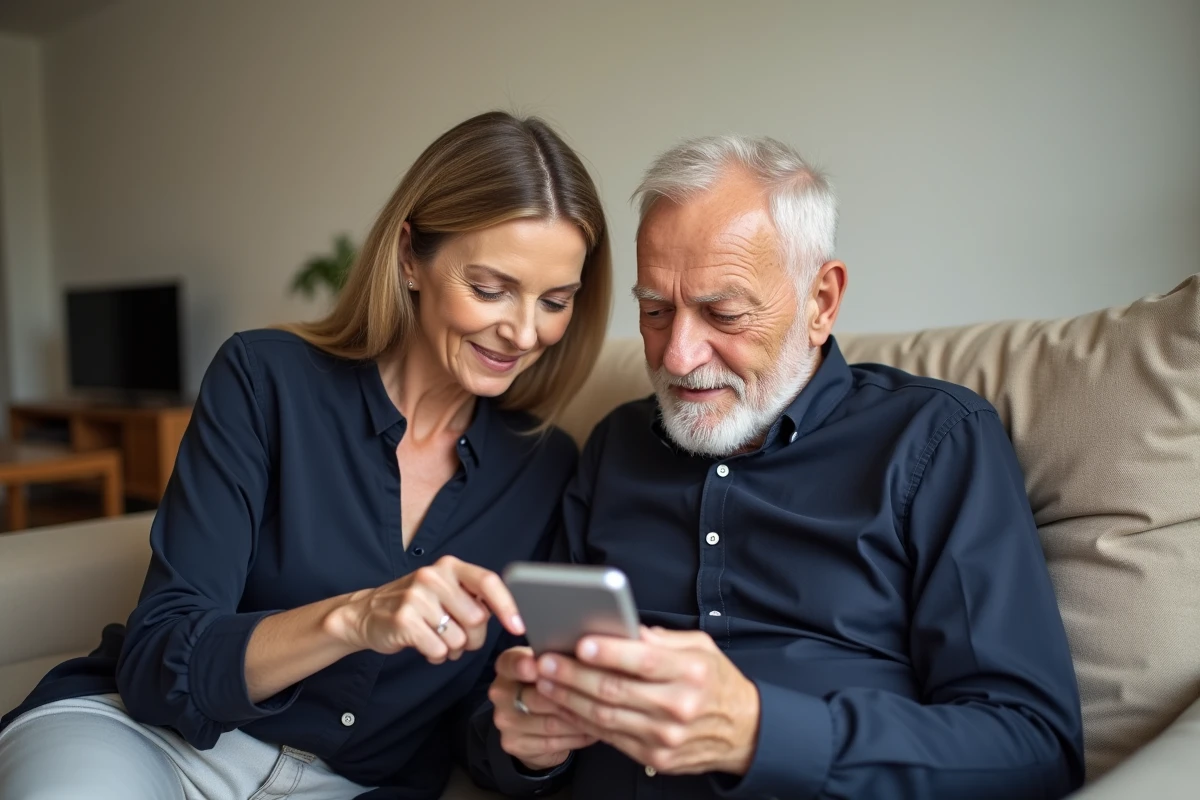
An emerging hybrid alternative is to pair a Doro with a companion app installed on a relative’s tablet or phone. The app allows remote management of contacts, initiating a call, or checking that the network is functioning, without the senior user needing to navigate complex menus.
What companion apps for a Doro
Doro offers its own app, Doro Connect & Care, which allows a caregiver to configure the phone remotely. It can be accessed from an Android or iOS smartphone. The main functions include:
- Adding and modifying contacts directly from the caregiver’s phone.
- Checking the battery and network status remotely.
- Sending messages or initiating a call if the senior does not respond to an alert.
- Setting the ringtone volume and quick call shortcuts.
For a visually impaired user, this Doro plus companion app combination compensates for the limitations of voice AI by shifting the complexity to the caregiver.
A Doro phone that no longer makes calls is not necessarily broken. Most blockages come from an obstructed sensor, a poorly inserted SIM card, or a misconfigured network. When these simple checks are not enough, the combination of senior phone and companion app remains the most reliable option to maintain the connection without multiplying manipulations.